
How Do I Plan Email Content When I Have Nothing New To Say?
You can plan email content even when you feel you've run out of ideas by returning to the questions, problems and decisions your subscribers already care about.
You don't need a completely new subject for every email. Existing blog posts, common mistakes, useful examples and frequently asked questions can all provide material for messages that help your audience.
The key is to build a simple collection of email ideas and turn them into a manageable sending schedule.
IN SHORT
Running out of email ideas doesn't necessarily mean you've run out of useful things to share.
Often, the problem is that you're trying to invent something new every time you sit down to write.
A better approach is to collect ideas as they arise, organise them around your subscribers' interests and plan a few messages in advance.
You can revisit familiar subjects from different angles, provided each email gives the reader something worthwhile.
WHY THIS WORKS
Start With Your Subscribers' Questions
Your subscribers joined your list because something interested them. Perhaps they wanted to solve a problem, learn a skill or explore a business opportunity.
Those interests are a useful starting point for future emails.
For example, someone interested in creating digital products might have questions about choosing a niche, finding customers, setting prices and making their first sale.
Each question provides an opportunity to explain one useful idea.
You don't need to answer the entire subject in one email. Concentrate on a specific problem and help the reader understand what to do next.
If you're unsure what new subscribers need, What Should I Send My Email List First? explores how to choose suitable starting messages.
Turn Existing Blog Content Into Emails
If you already publish articles, you have a source of email ideas waiting to be used.
An article might contain several explanations, examples or practical steps that could become individual emails.
Suppose you've written a post about improving landing page conversions.
You could create one email about unclear headlines, another about weak calls to action and a third about reducing unnecessary distractions.
Each message would explore one idea and could link to the original article for readers who want more detail.
The important thing is to make the email useful on its own, rather than simply announcing that you've published something.
Build A Simple Email Idea Bank
Instead of trying to think of a subject every time you need to send an email, keep a running list of potential topics.
A spreadsheet, document or notebook is enough.
Record questions from subscribers, ideas from articles, common misunderstandings and useful examples you encounter.
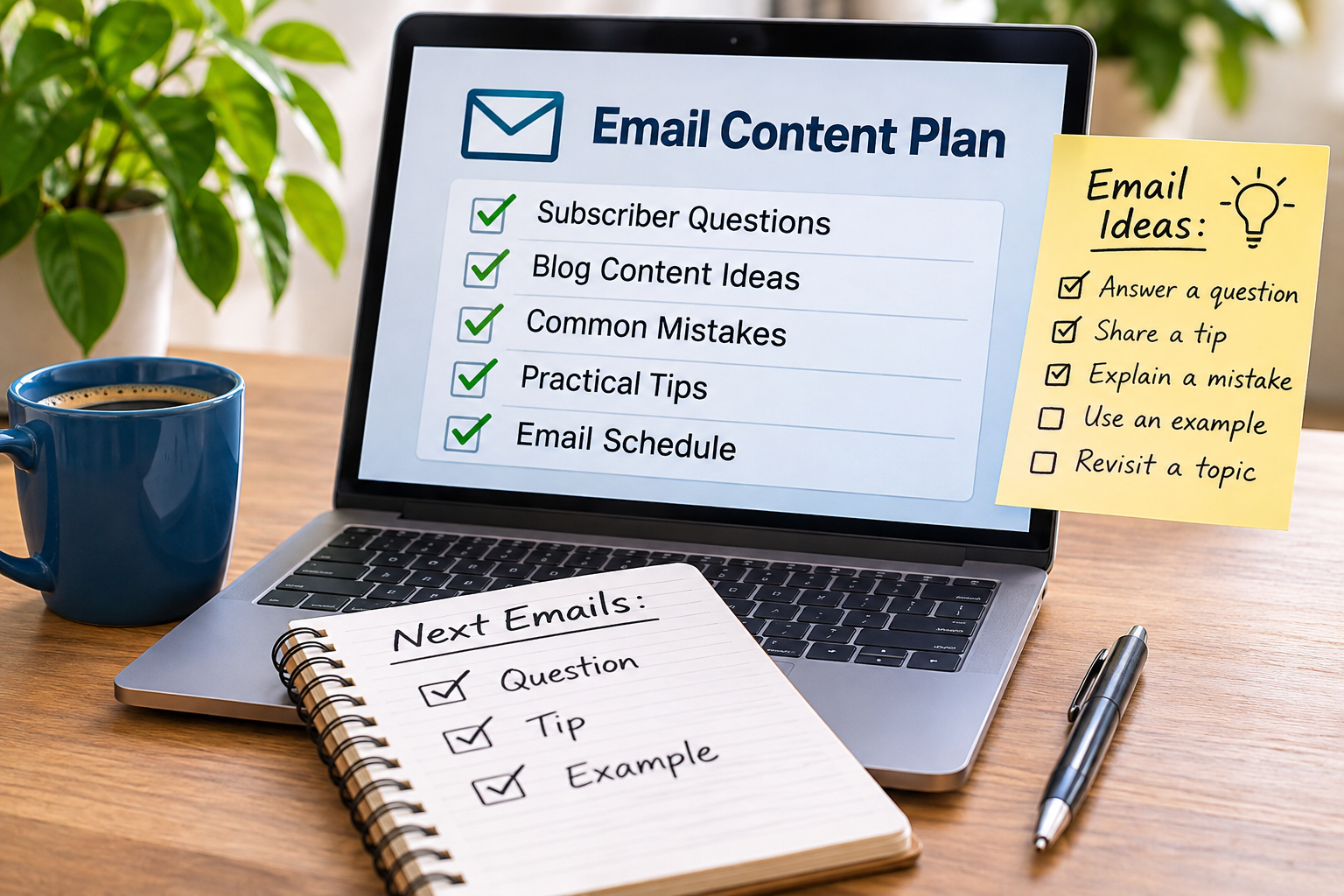
You might organise your ideas into a few categories:
Questions: Problems your audience wants answered.
Mistakes: Common errors and how to avoid them.
Practical tips: Small improvements readers can make.
Examples: Situations that help explain a principle.
Resources: Articles, guides or tools worth exploring.
You don't need complicated software. The purpose is to make useful ideas easier to find when you're planning your next email.
Revisit Topics Without Repeating Yourself
You can discuss the same broad subject more than once without sending identical information.
For example, email subject lines could provide several different messages.
One might explain why clarity matters. Another could compare curiosity-driven subject lines with direct ones. A third might demonstrate how to improve a confusing subject line.
The subject remains the same, but each email answers a different question.
This is especially useful when subscribers are at different stages of understanding.
Repetition becomes a problem when you're sending essentially the same advice without adding a useful distinction, example or application.
Plan Around A Manageable Schedule
Once you've collected some ideas, choose a sending rhythm that suits your audience and the time available.
You might plan three or four emails ahead rather than trying to prepare several months of content.
Give each message one main purpose.
For example, your next four emails might answer a question, explain a mistake, share a practical example and introduce a relevant resource.
There's no requirement to follow that sequence every time.
The aim is simply to remove the pressure of starting with a blank page.
For more guidance on finding a suitable rhythm, see How Often Should You Send Emails?.
PRACTICAL EXAMPLE
Imagine you run an email list for people interested in starting an online business.
You've published several blog posts, but you're struggling to decide what to send next.
Instead of inventing four completely new subjects, you review your existing content and identify four useful questions.
Topic | Purpose | |
|---|---|---|
1 | How do I recognise a useful business idea? | Answer a beginner's question |
2 | Why do people build products nobody wants? | Explain a common mistake |
3 | How can I test an idea without spending much money? | Provide a practical step |
4 | What should I do after validating an idea? | Help readers decide what comes next |
Each email focuses on one question.
You can draw on existing articles, add a relevant example and link to further information when appropriate.
This is an illustrative planning example, not a guaranteed formula for improving engagement.
REAL TALK
You don't need to become a full-time newsletter writer to maintain an email list.
One of the biggest problems is assuming every email must contain an original insight, a clever story or something your audience has never heard before.
Most subscribers aren't expecting constant novelty. They're interested in information that helps them understand a problem or make progress.
Sometimes a clear explanation of a familiar idea is more useful than an elaborate message about something new.
The objective isn't to fill inboxes. It's to send emails that have a reason to exist.
COMMON MISTAKES
Mistake: Waiting until sending day to choose a subject.
Fix: Keep a simple idea bank and plan several messages ahead.
Mistake: Assuming every email needs completely new information.
Fix: Revisit useful subjects with different questions, examples or practical applications.
Mistake: Copying entire blog articles into emails.
Fix: Select one relevant idea, explain it clearly and link to the full article when useful.
Mistake: Planning more emails than you can realistically produce.
Fix: Choose a manageable schedule and prioritise quality over volume.
Mistake: Sending messages simply because they're on the calendar.
Fix: Make sure every email has a clear purpose and offers something relevant to subscribers.
FAQ QUICK FIX
Need to plan your next few emails?
1. Choose one audience problem. Identify something your subscribers are trying to understand or achieve.
2. Write down five related questions. Use existing articles, subscriber feedback or common mistakes for inspiration.
3. Select three questions. Choose the ones you can answer most usefully.
4. Create one email for each question. Explain the main point and include a practical suggestion.
5. Schedule the messages. Space them according to a sending rhythm you can maintain.
6. Review the response. Use clicks, replies and other meaningful feedback to guide future ideas.
You now have a simple email plan without needing to invent an entirely new subject.
FAQ
What Should I Email My List When I Have No New Content?
You can answer common questions, revisit useful advice, explain mistakes or share examples from existing material. New emails don't always require new blog posts.
Can I Reuse Old Blog Posts In My Emails?
Yes. Choose a useful point from an existing article and adapt it into a focused email. Avoid copying the entire article when a shorter explanation would be more helpful.
How Far Ahead Should I Plan My Emails?
There's no universal requirement. Planning a few emails ahead can reduce pressure without committing you to a rigid long-term schedule.
Will Subscribers Get Bored If I Discuss The Same Topics?
Not necessarily. A subject can be explored through different questions, examples and practical applications. Avoid repeating the same message without adding value.
Should Every Email Link To A Blog Post?
No. Include a link when it helps readers explore the subject further. Some emails can provide a complete answer or invite a reply without linking elsewhere.
TRY THIS TODAY
Open your blog or email archive and choose three subjects that are relevant to your subscribers.
For each subject, write down one question, one common mistake and one practical tip.
That gives you nine possible email ideas.
Choose the three strongest and add them to a simple content plan.
You don't need to write all three emails today. Just having a clear subject and purpose for each message can make your next writing session much easier.
Want To Make Your Email Marketing Work Harder?
Planning useful emails helps you communicate consistently, but creating content is only part of an effective email marketing strategy.
You also need to understand how relevant messages, subscriber relationships and suitable offers work together.
If you'd like to explore that approach further, The Lazy Way To Email Riches introduces a system focused on email marketing and monetisation.
→ Discover The Lazy Way To Email Riches
RELATED ARTICLES
→ What Should I Send My Email List First?
→ How Often Should You Send Emails?
→ How Do I Keep Email Subscribers Interested Between Offers?
QUICK RECAP
You don't need a completely new idea every time you send an email.
Start with questions your subscribers already have.
Reuse useful ideas from existing content.
Keep a simple email idea bank.
Explore familiar subjects from different angles.
Plan a few messages ahead.
Give every email one clear purpose.
Use subscriber feedback to improve future content.
The goal isn't to produce endless new material. It's to make useful communication easier to plan and maintain.
NEXT STEP
Once you've planned your email content, the next challenge is making sure subscribers find those messages useful enough to engage with.